Firstage features
Your photos sort themselves by day and place
Write later, or not at all. Add photos with the people close to you, and when you're ready, a year can become a photobook

One family's year
How a year of photos adds up
Follow Minji's family through a year. The family and photos are examples; the map, Recaps and On this day screens are a real account
Day one · 12 photos
Even without captions, they line up by date
Minji uploaded 12 photos in one go. She didn't write a word, and they still settled into the days she took them






Back from the trip · The map
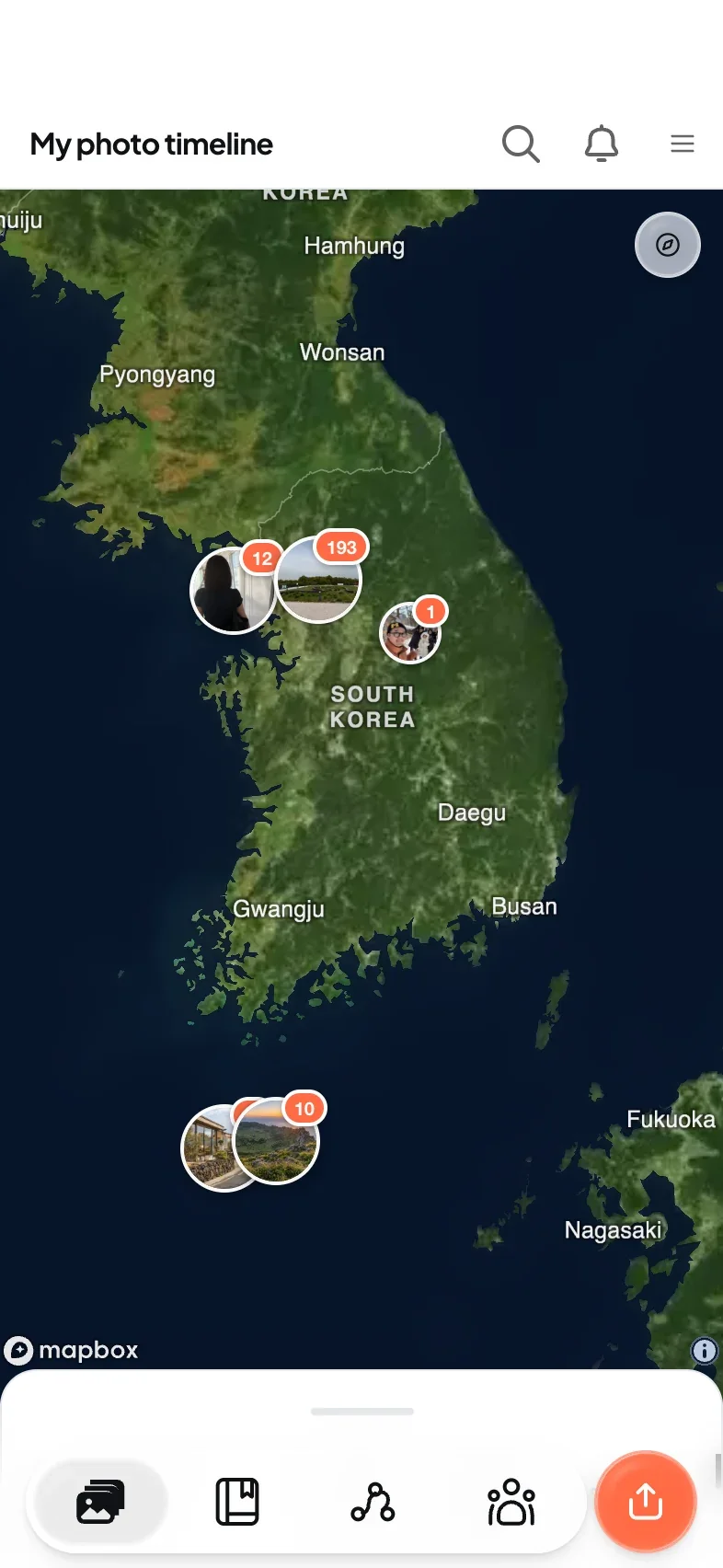
Every place you shot stays on the map
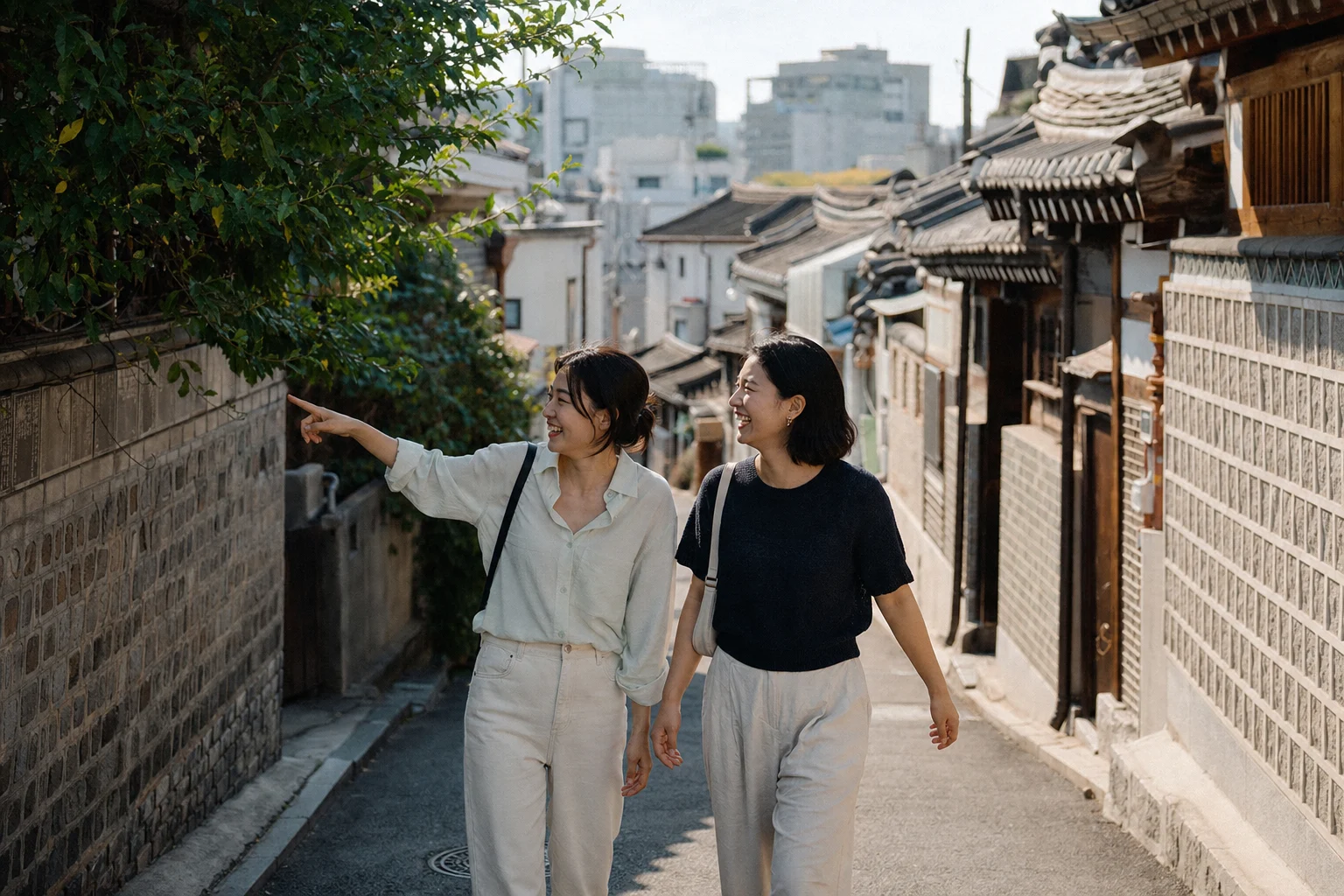
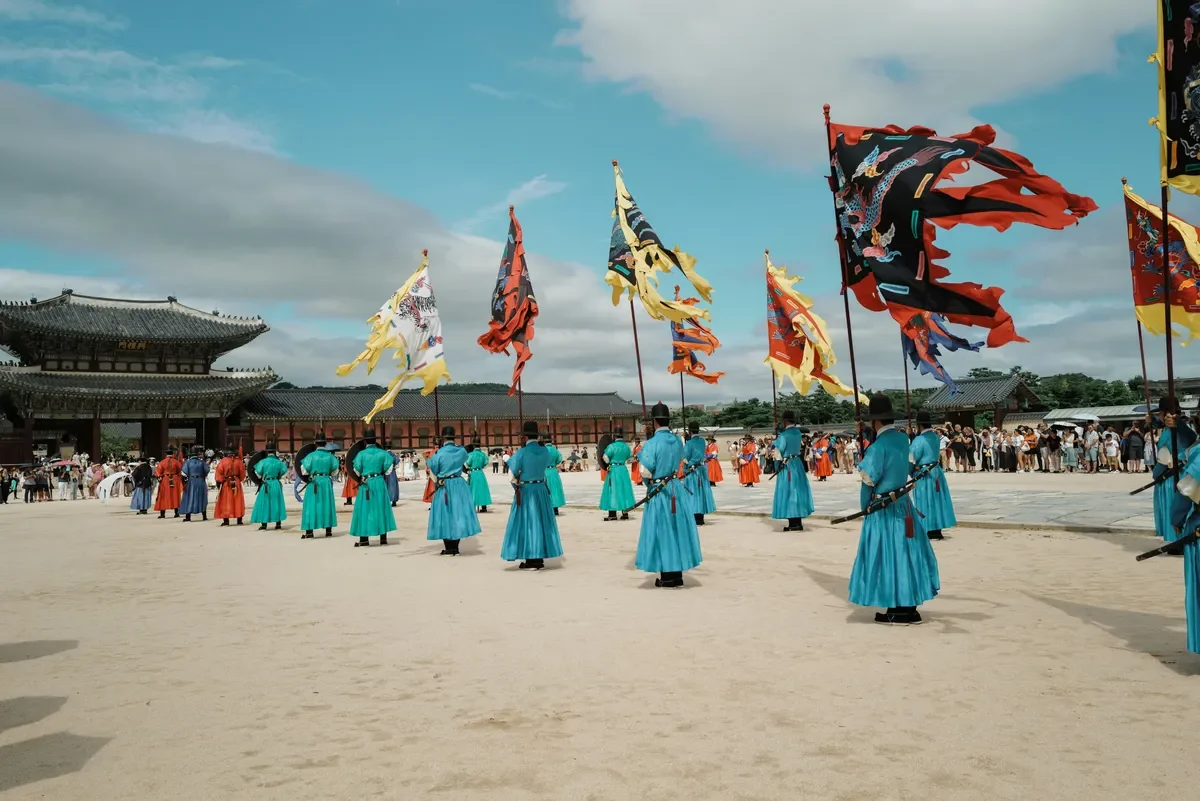
Days in Seoul and a few in Jeju stay as photo pins on one map. Tap one to open the photos from that spot
On the trip · Our family
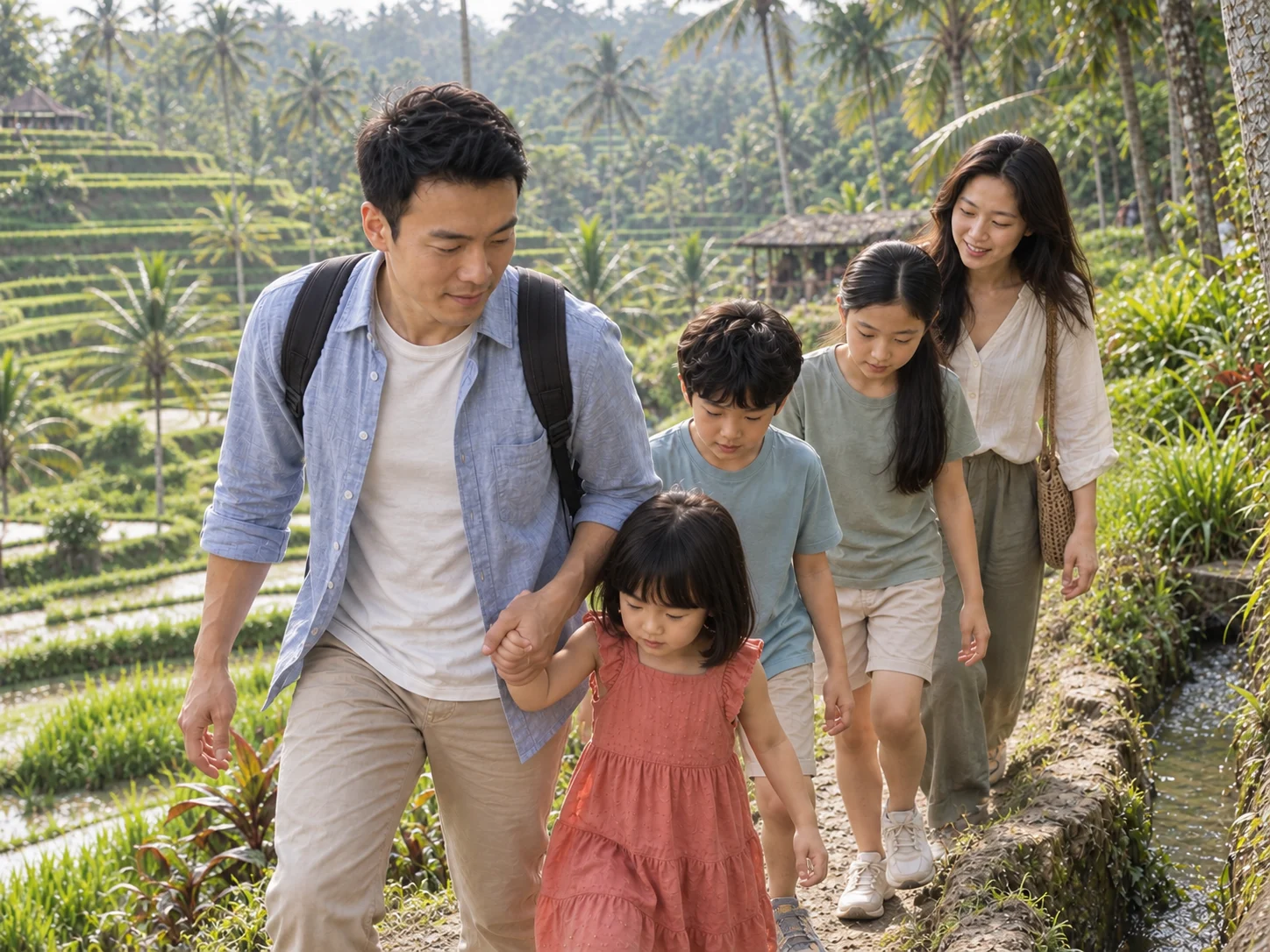
Photos from three phones, one space
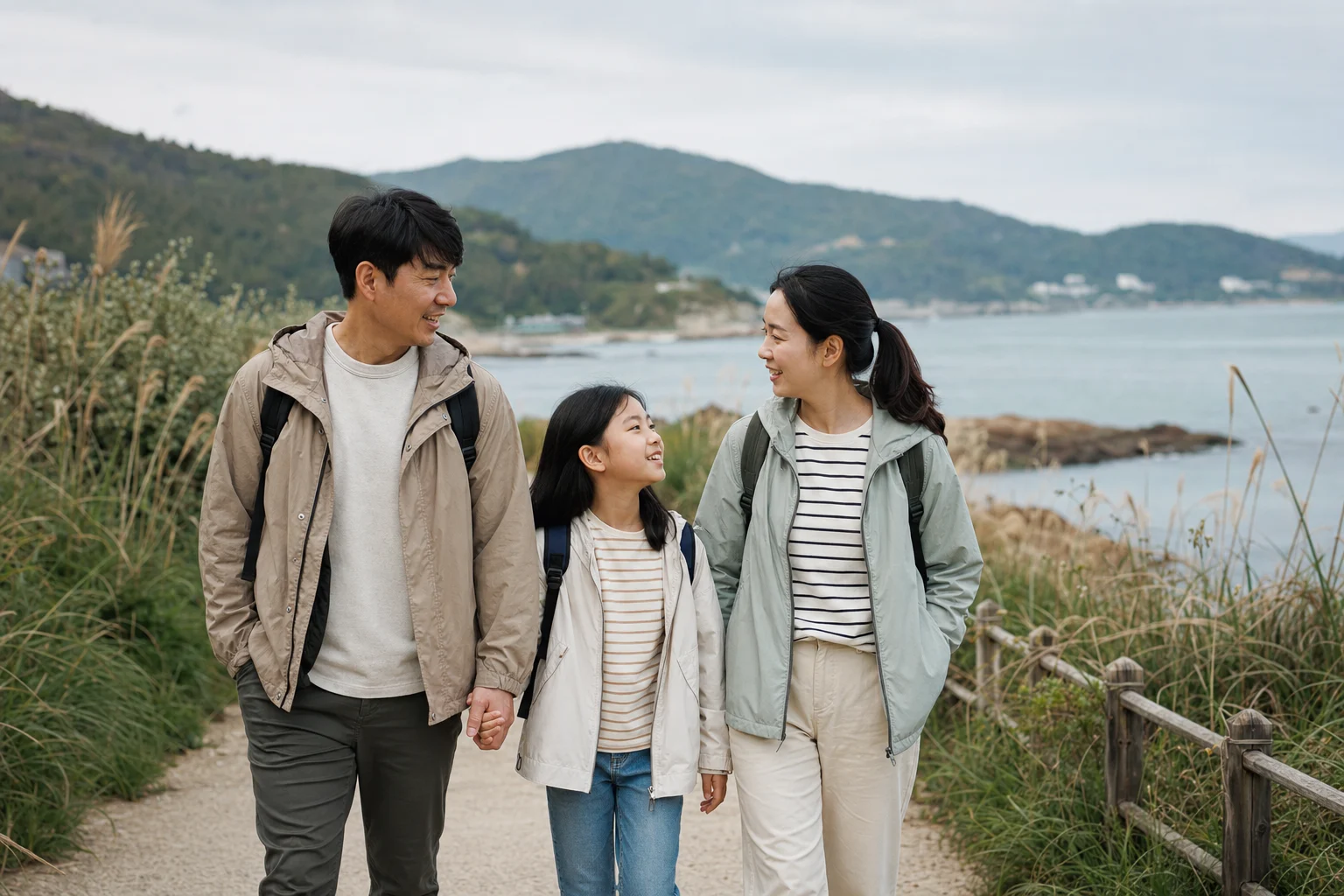
Same trip, three phones. Junho and Harin joined, added theirs, and now the three of them shape and revisit it together
Sharing a space with the people you invite is free on every plan See plans
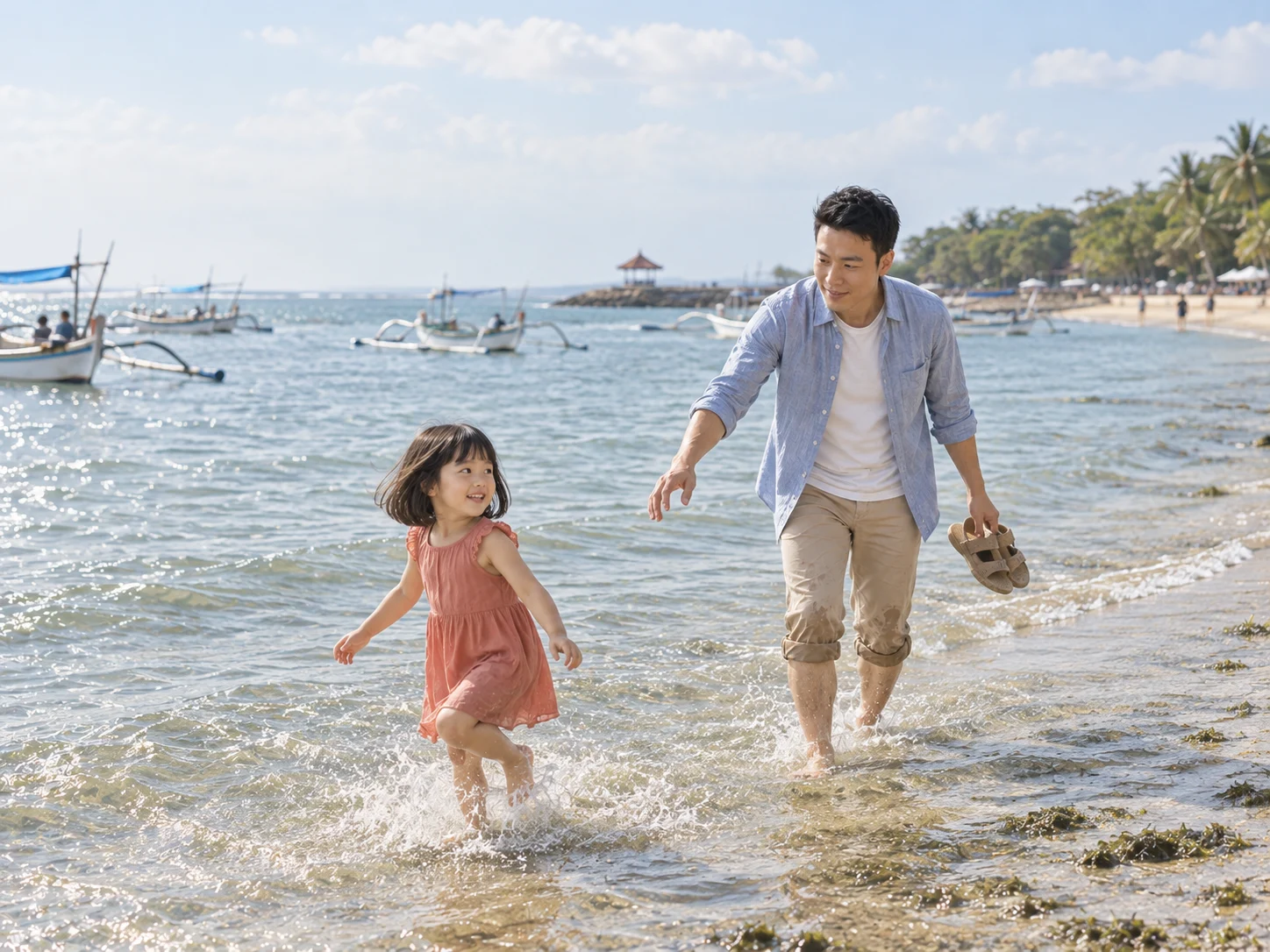
Day three · A morning by the sea
Add words only on the days you want to
A few lines went onto that day's photos. The family edits the same story together and keeps talking in the comments
Editing together is free on every plan See plans
As the seasons change · Recap
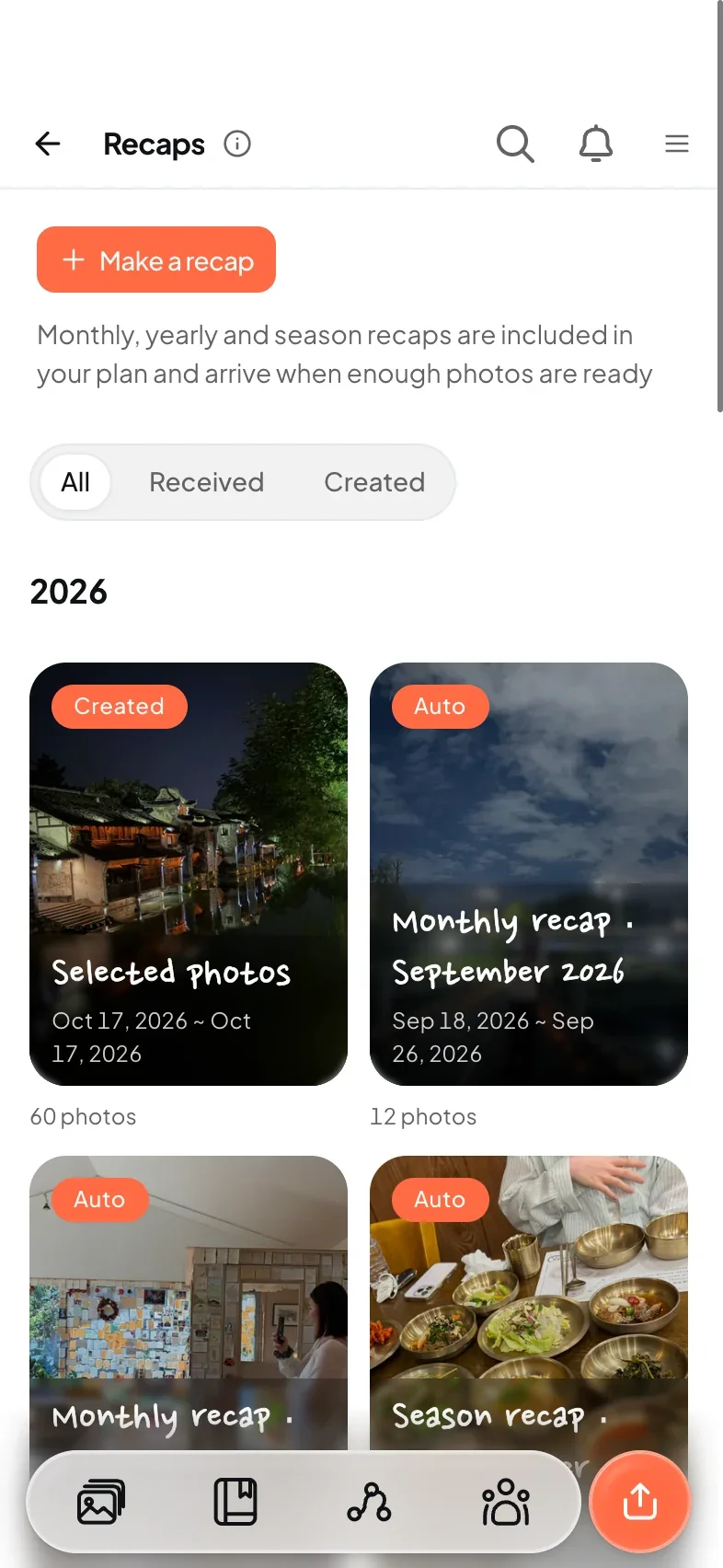
Each season comes back as a short story
When the year ends, a yearly Recap plays the whole year from the start
This screen is from a paid plan account. Seasonal Recaps are free. Monthly and yearly Recaps, video saving and making your own start with Plus See plans
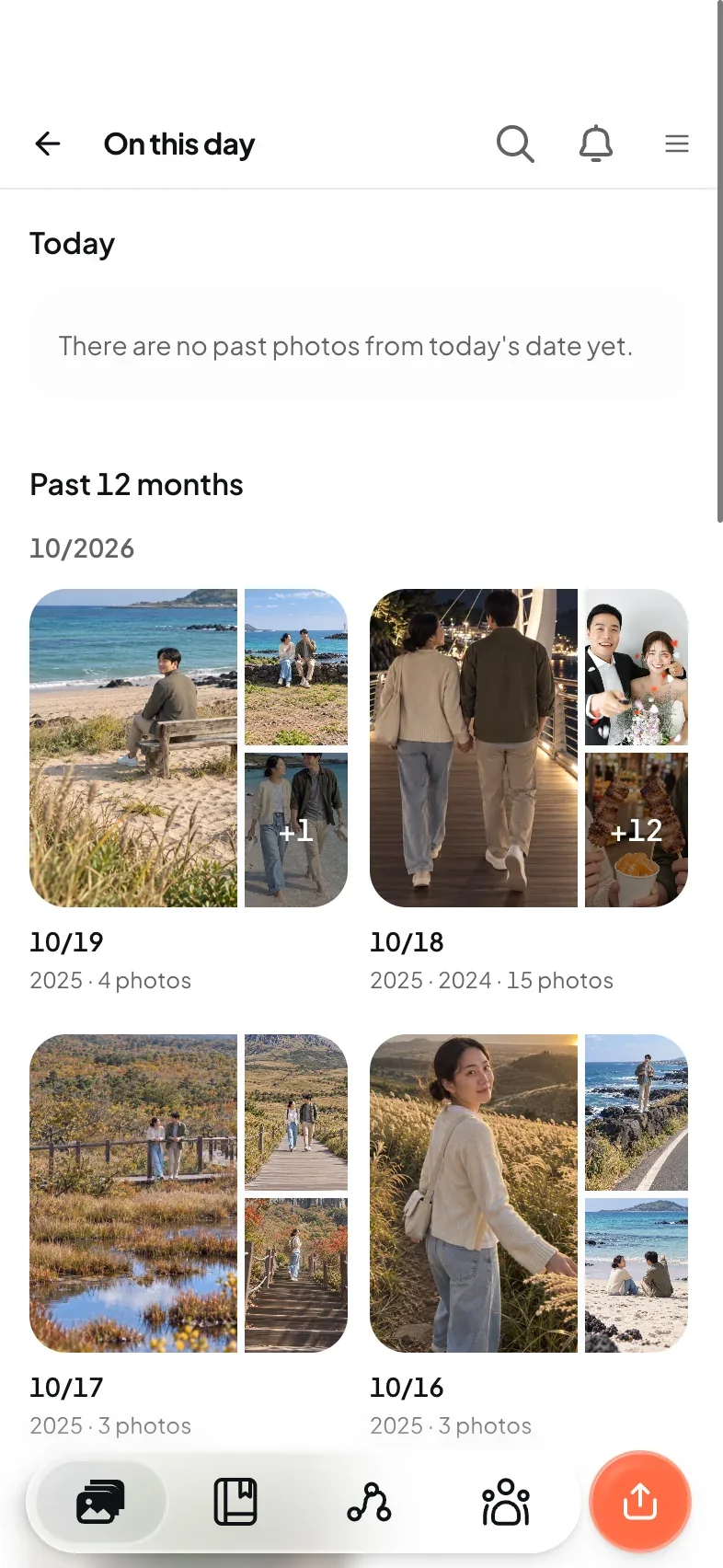
A year later · On this day
Photos from a year ago today come back
Photos from today's date in earlier years come back together. Below them, any day from the past year is one tap away
Free covers your whole history
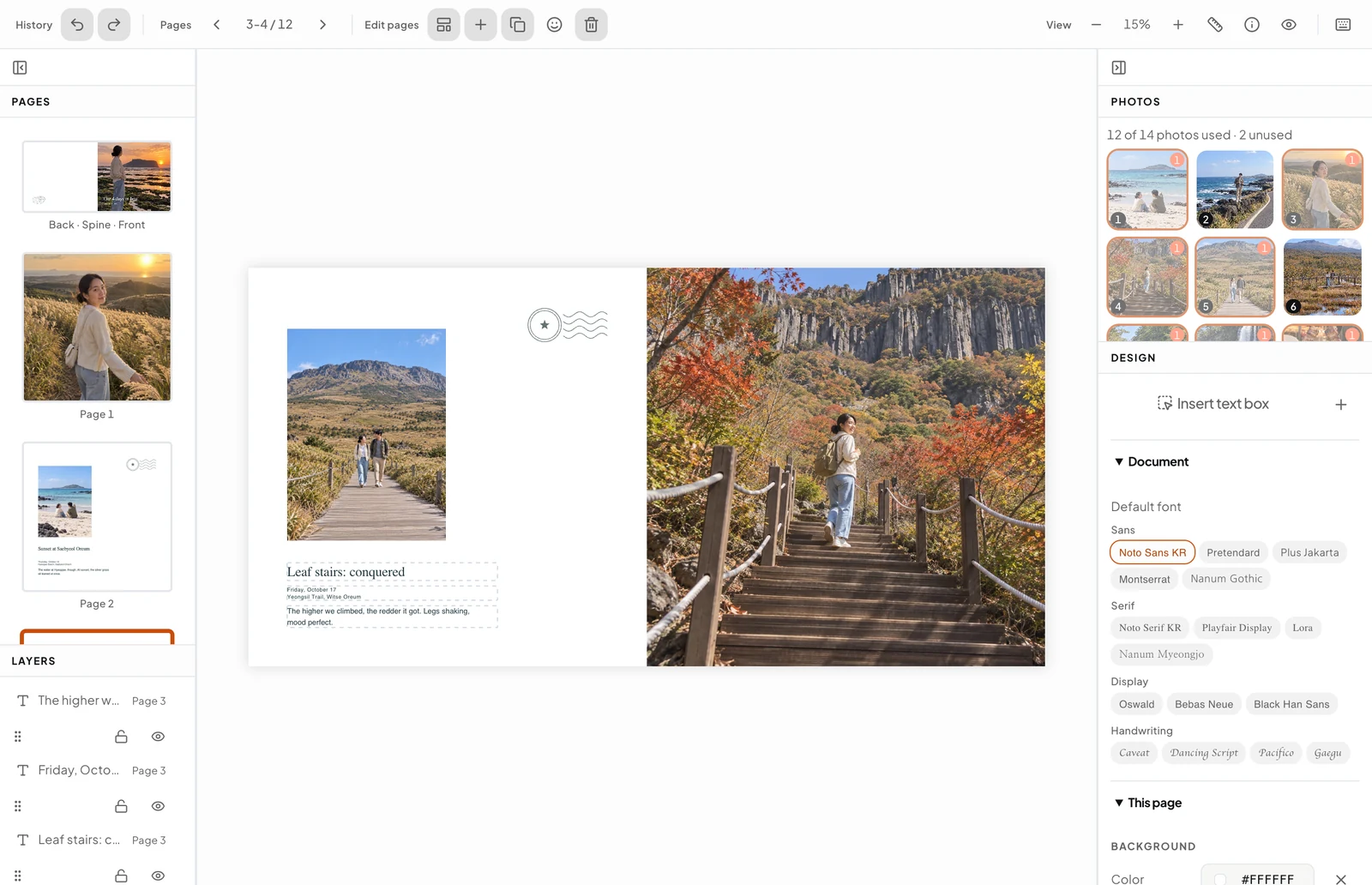
A weekend evening · At the computer
On a computer, refine with room to work
Sign in on your computer and the photos from your phone are right there, with room to edit at your own pace
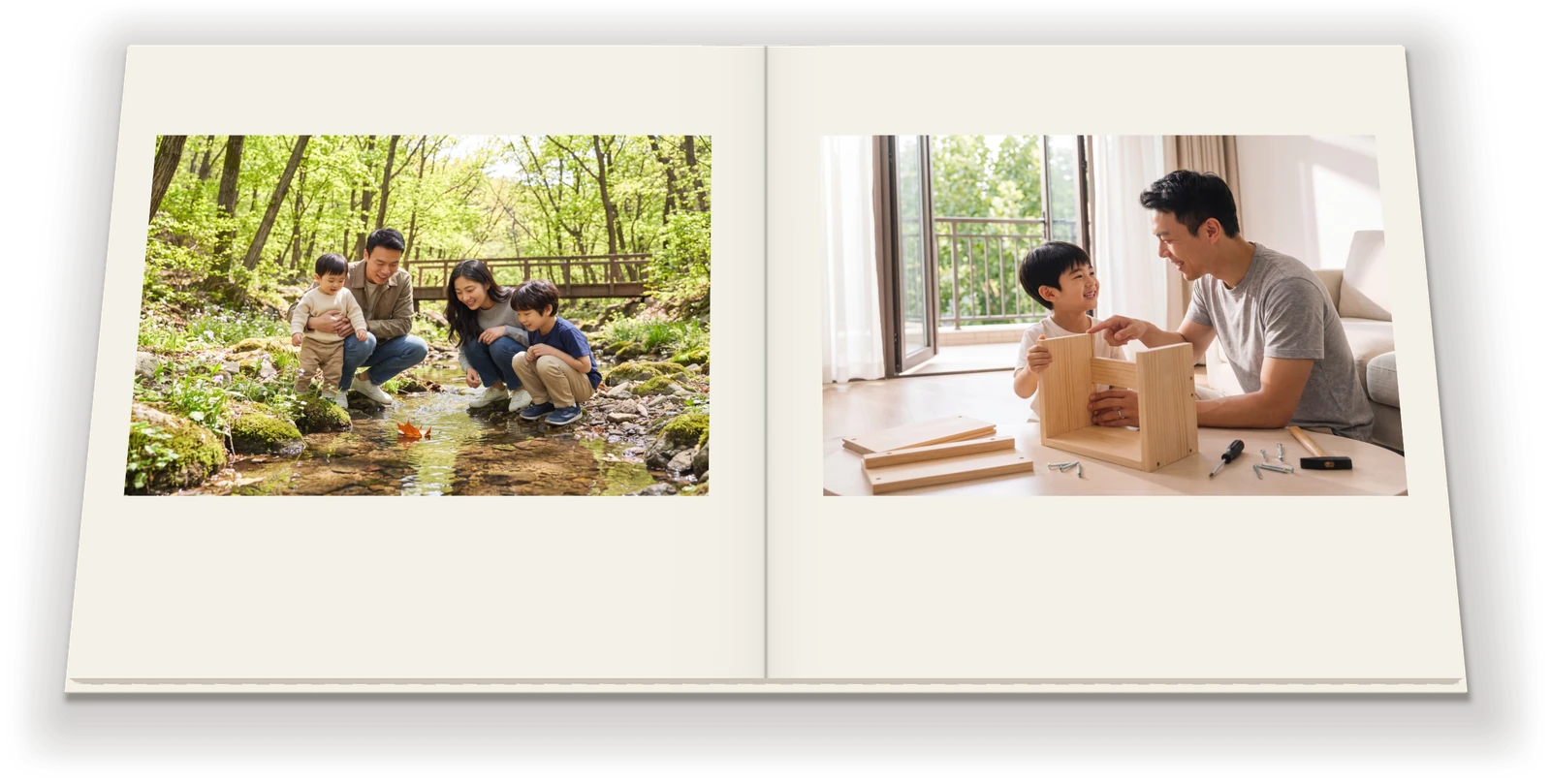
After the year · A photobook
Keep the year's photos in one book
A year's photos and words can become a photobook. Shape every page the way you want in the editor
- Choose from more than 100 layouts
- Firstage AI drafts a book for you with credits
- Or connect the AI app you already use and ask it for a draft See how to connect
- Flip through finished books on the web and reopen them to edit anytime
Order it at 30 or 40 pages See sizes and prices
Privacy
Your records are private by default
Only people you invite can see them
Links and public posts open only when you choose
No public numbers such as like counts
The originals you upload are kept as they are
Yes. The Free plan keeps up to 10 GiB of photos, includes places, the map and On this day, and lets you share spaces with the people you invite. Original-quality viewing and downloads start with Plus
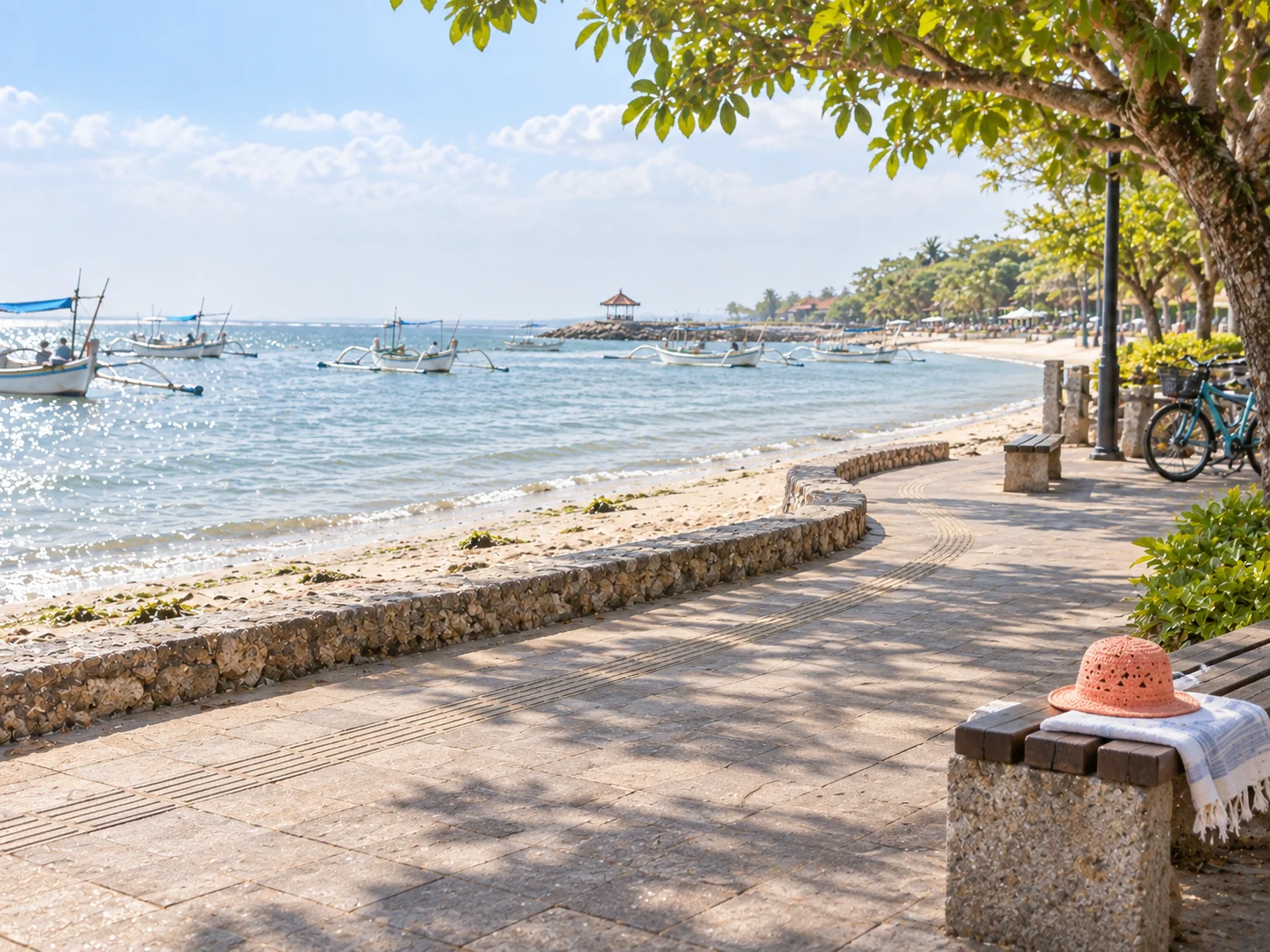
Start with the photos you took today
They start gathering by day and place the moment you upload. Captions and sorting can wait
Start for free
Available on the Korean App Store only. The Android app is on its way, and you can start on the web right now.