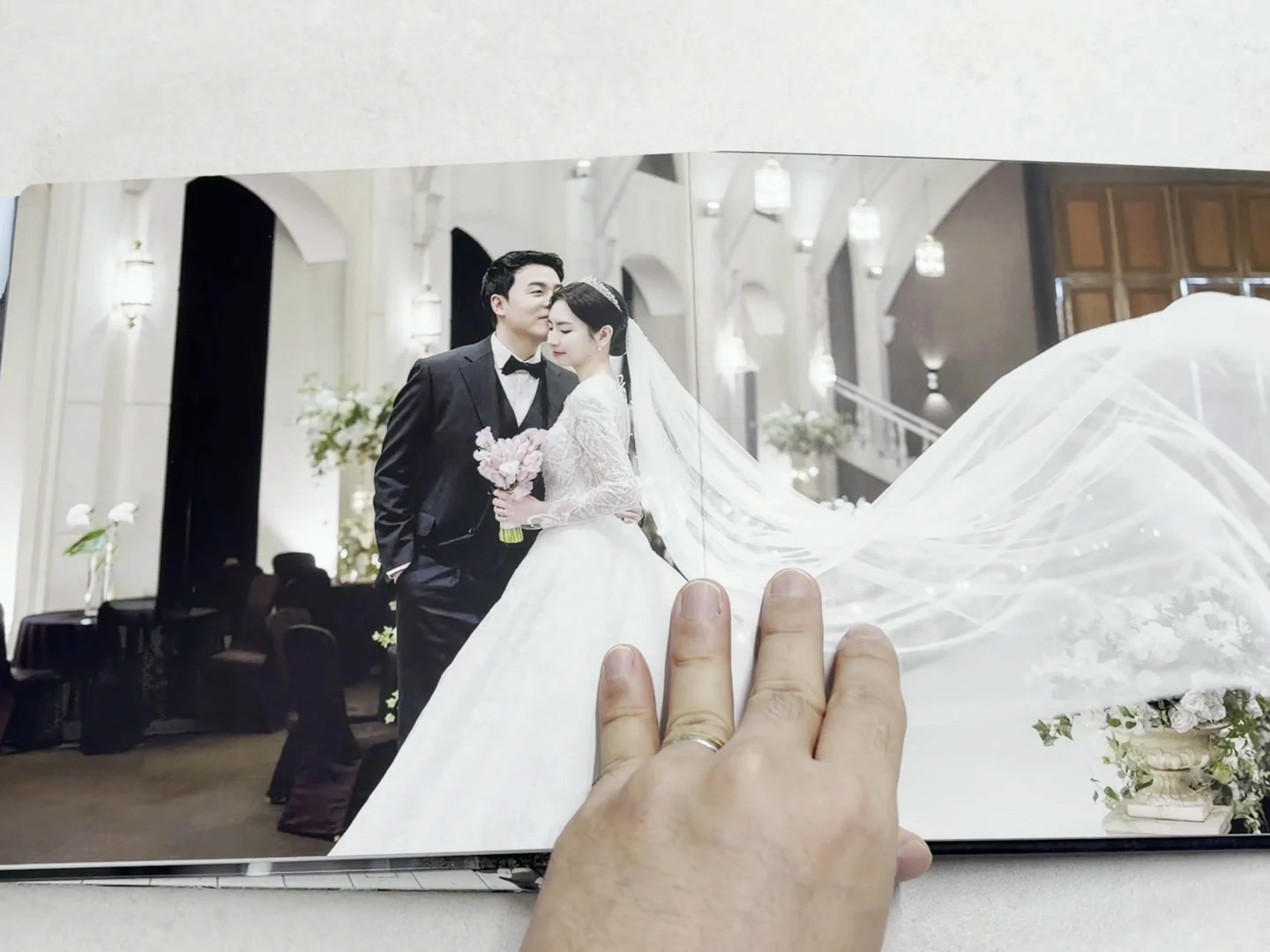

From "I do" to dinner for two
Choose photos from the ceremony, the honeymoon and those first weeks at home. AI drafts the book by date and place.
A real book
From the studio to the aisle, in one book
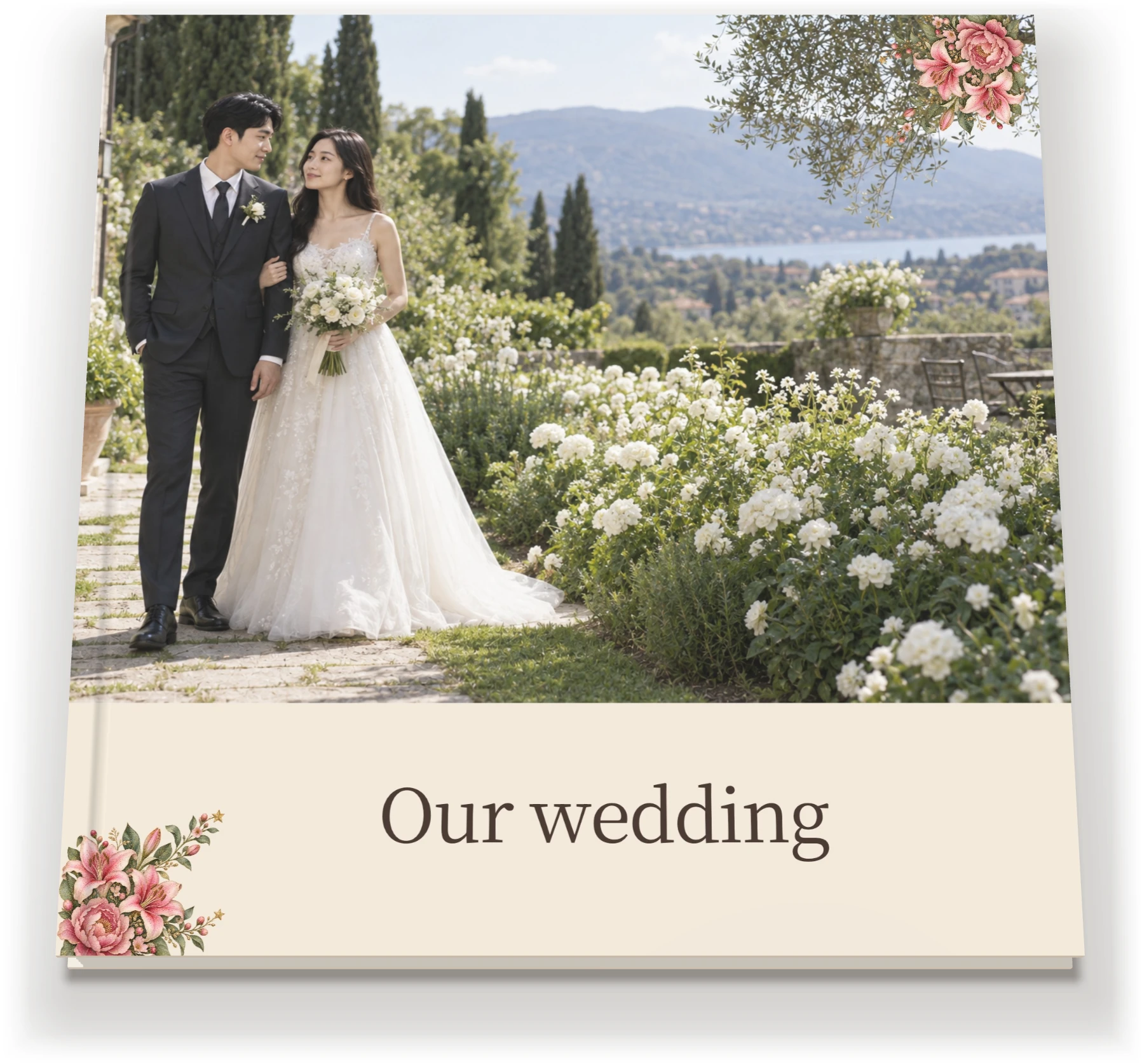
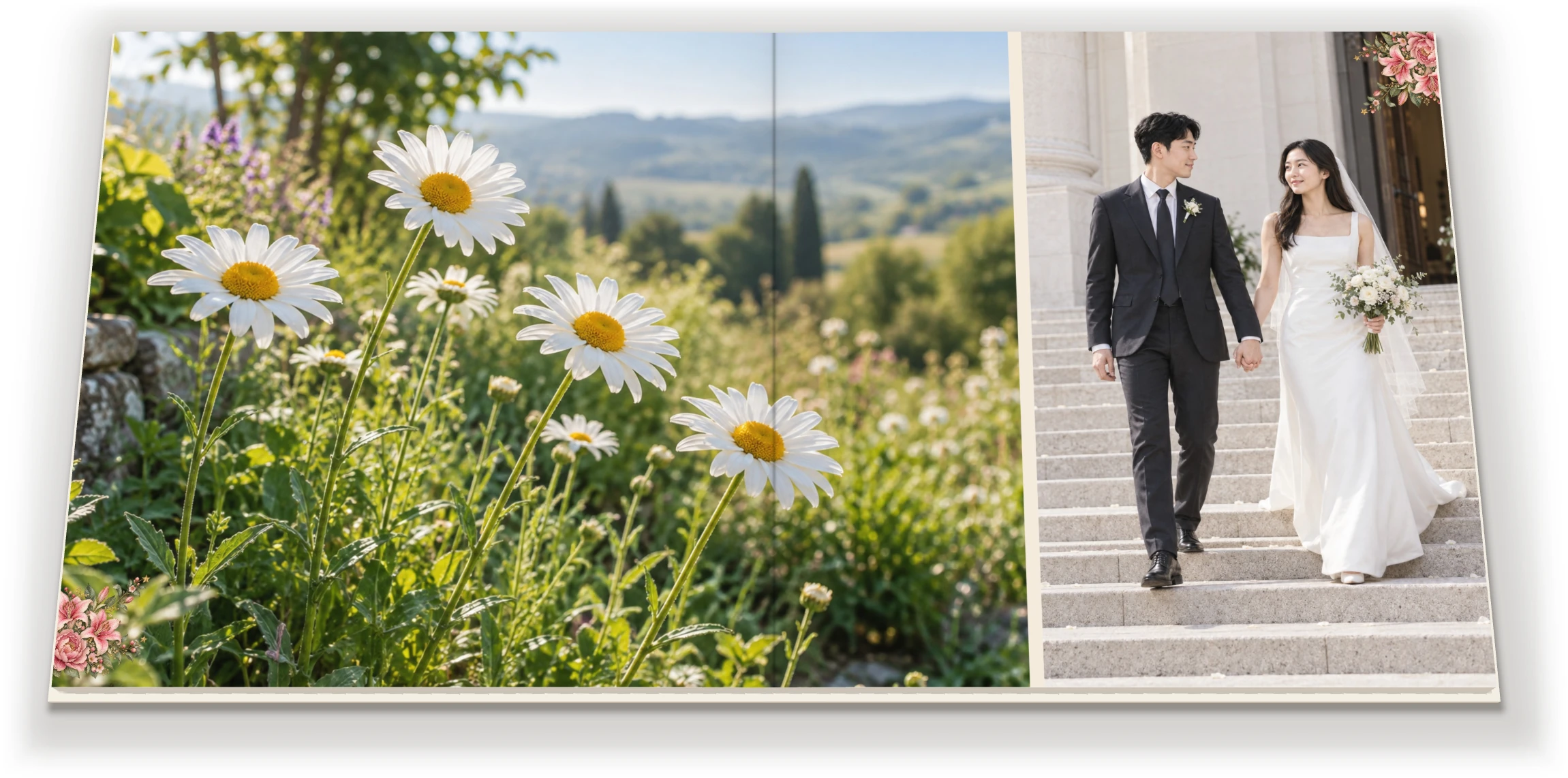
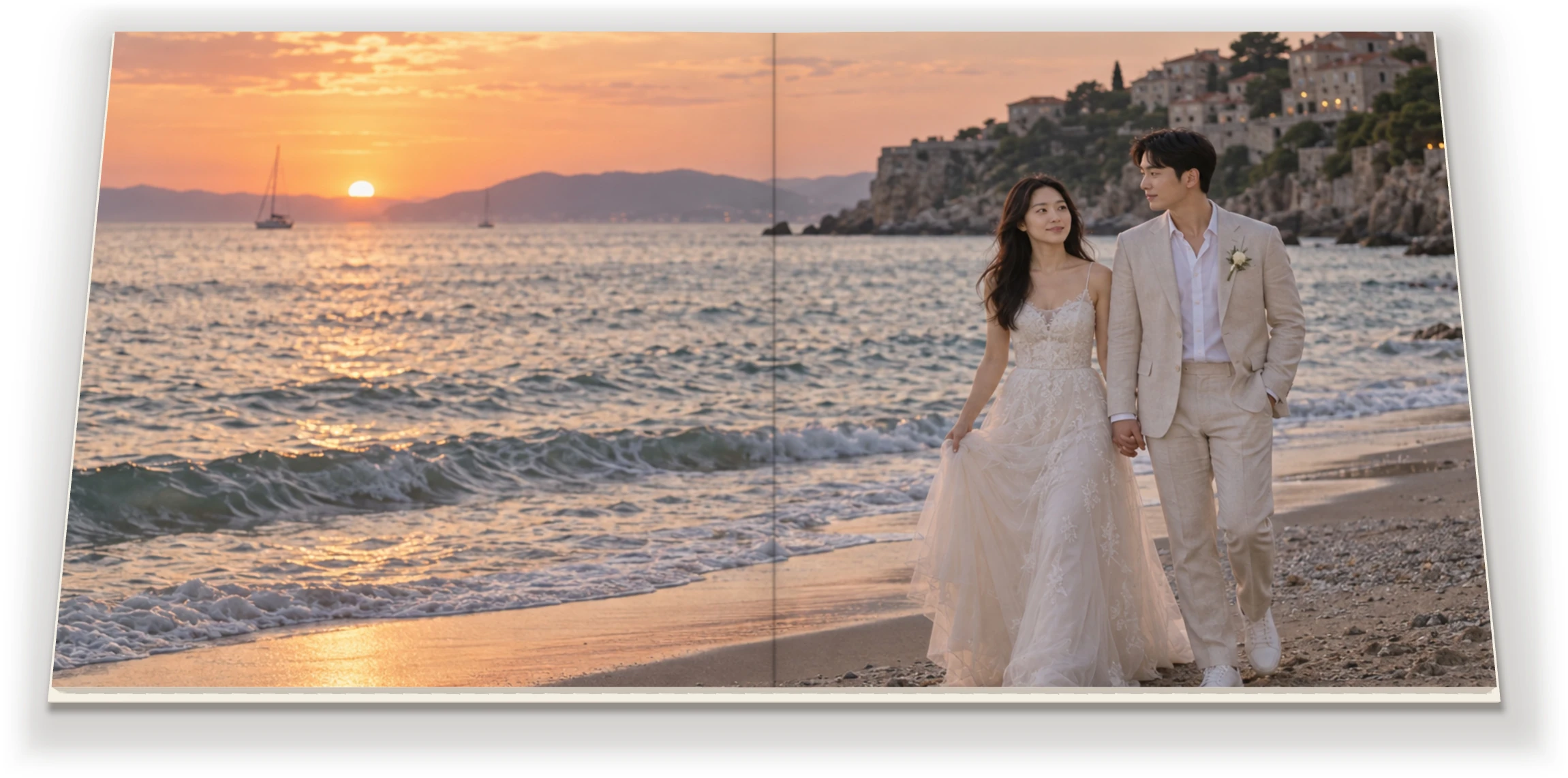
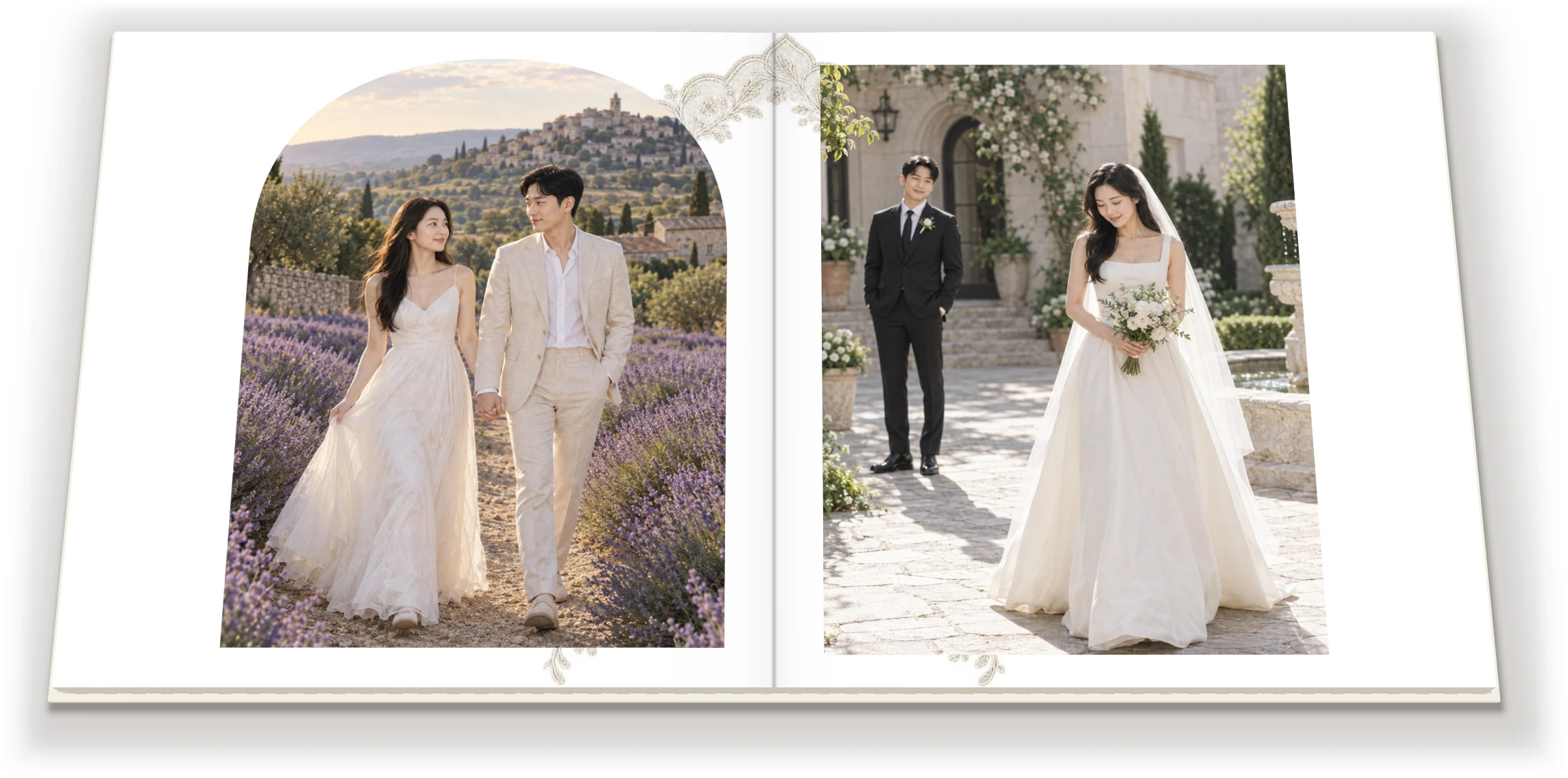
A 40-page photobook a couple made from their studio shoot and their wedding day. Theme: White Wedding, 210 × 210 mm layflat
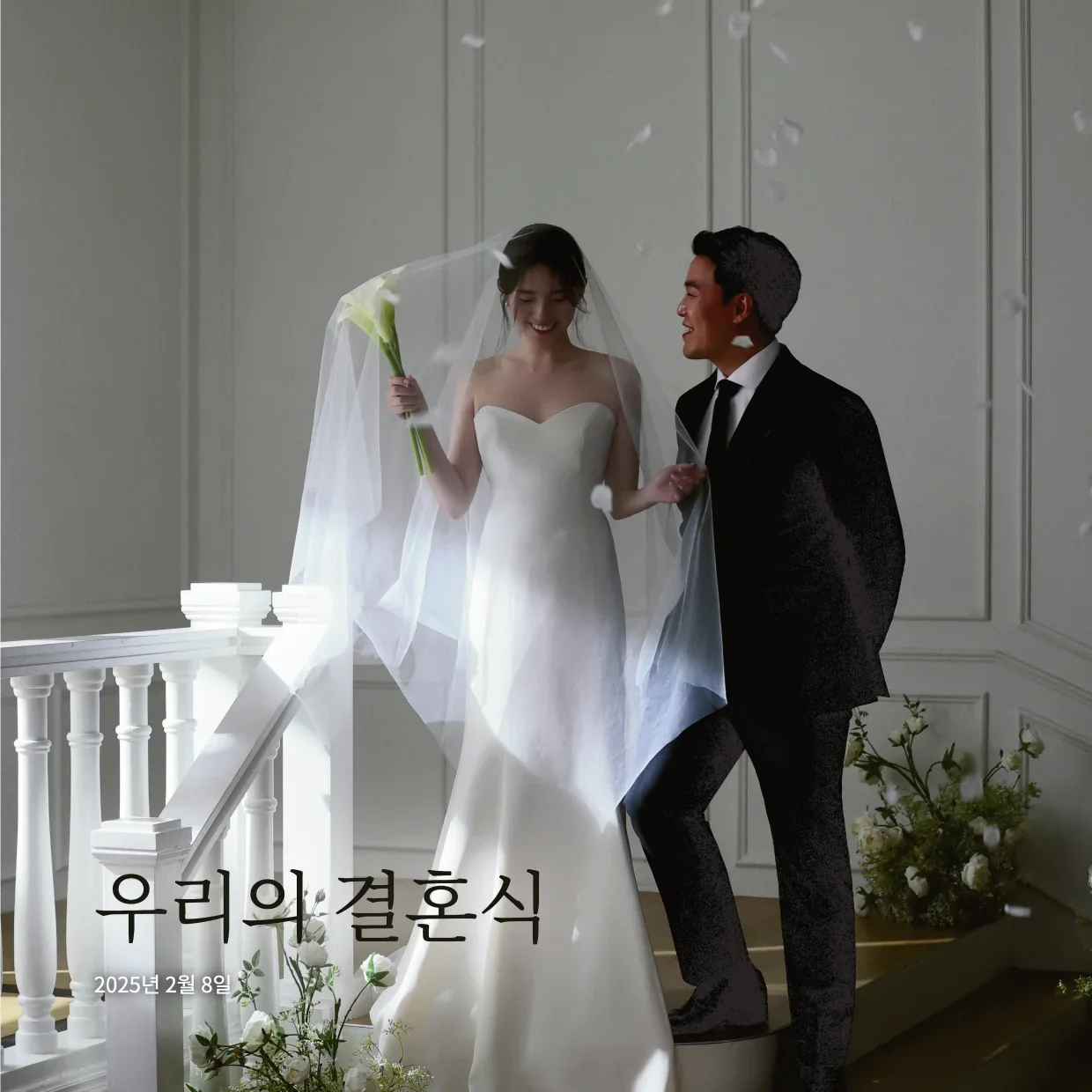
Click or tap to turn the page
Cover. Front cover: a bride in a veil and a groom smile at each other by a white staircase, under the Korean title Our Wedding and the date February 8, 2025
Cover1 / 9
How it comes together
Your wedding, page by page
The day as it happened
From getting ready to the last dance, pages follow the order your photos were taken
Room for everyone
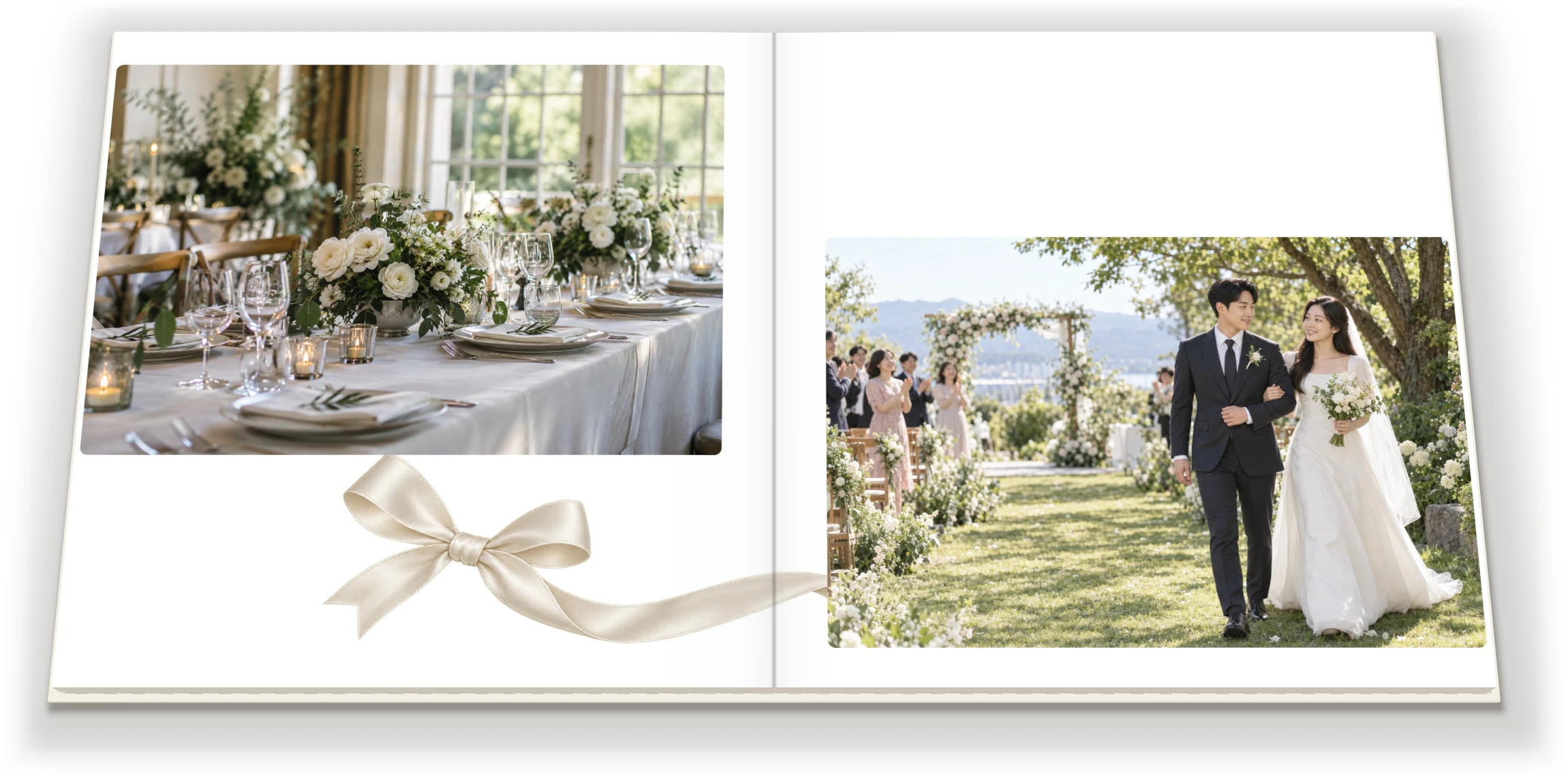
Spread the group photo across both pages of a book that opens flat
Words can wait
Start with photos alone and add what you want to say to each other whenever it comes to you
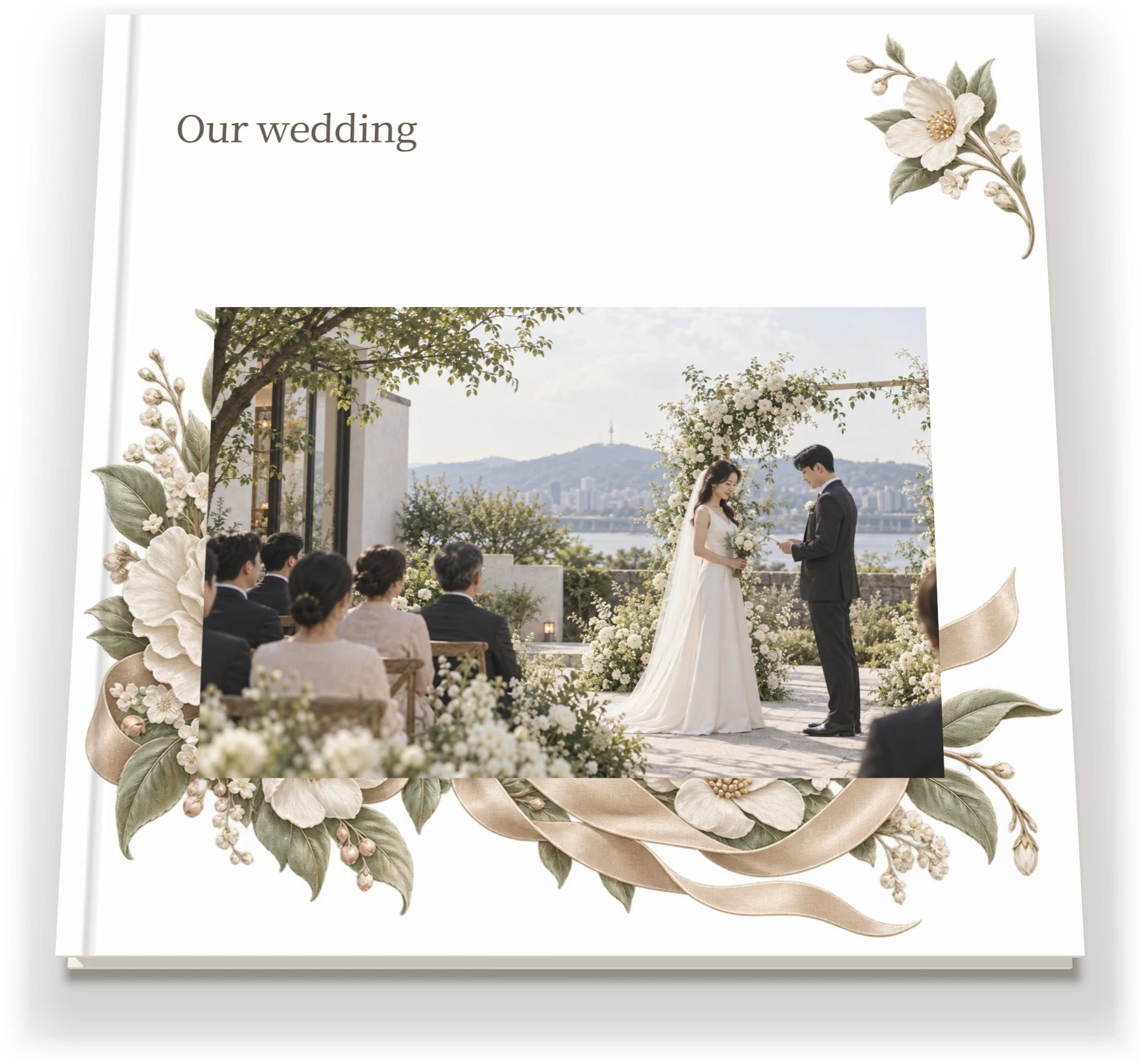
A book for your wedding
Each theme gives the cover and spreads their own look. You can change the photos and title in the editor.



How it works
From picking photos to ordering
Photos
Choose the moments you want to see again, from a trip or an ordinary day
Story
Add a few words for the book, or leave it blank and the draft starts from your photos
Look
After your photos, pick a look for the cover and pages. Skip it and your book has no theme
Book settings
Check the book's size. The finished book sets its page count
Draft and edit
Sign up or sign in, and AI makes the first draft. Then adjust photos, order and words in the editor
Order
Check the book price, shipping, total and schedule, then pay by card to place your order
Ways to keep these memories
Frequently asked questions
No. You can make a whole book from photos alone and add words later if you like.
More days worth a book

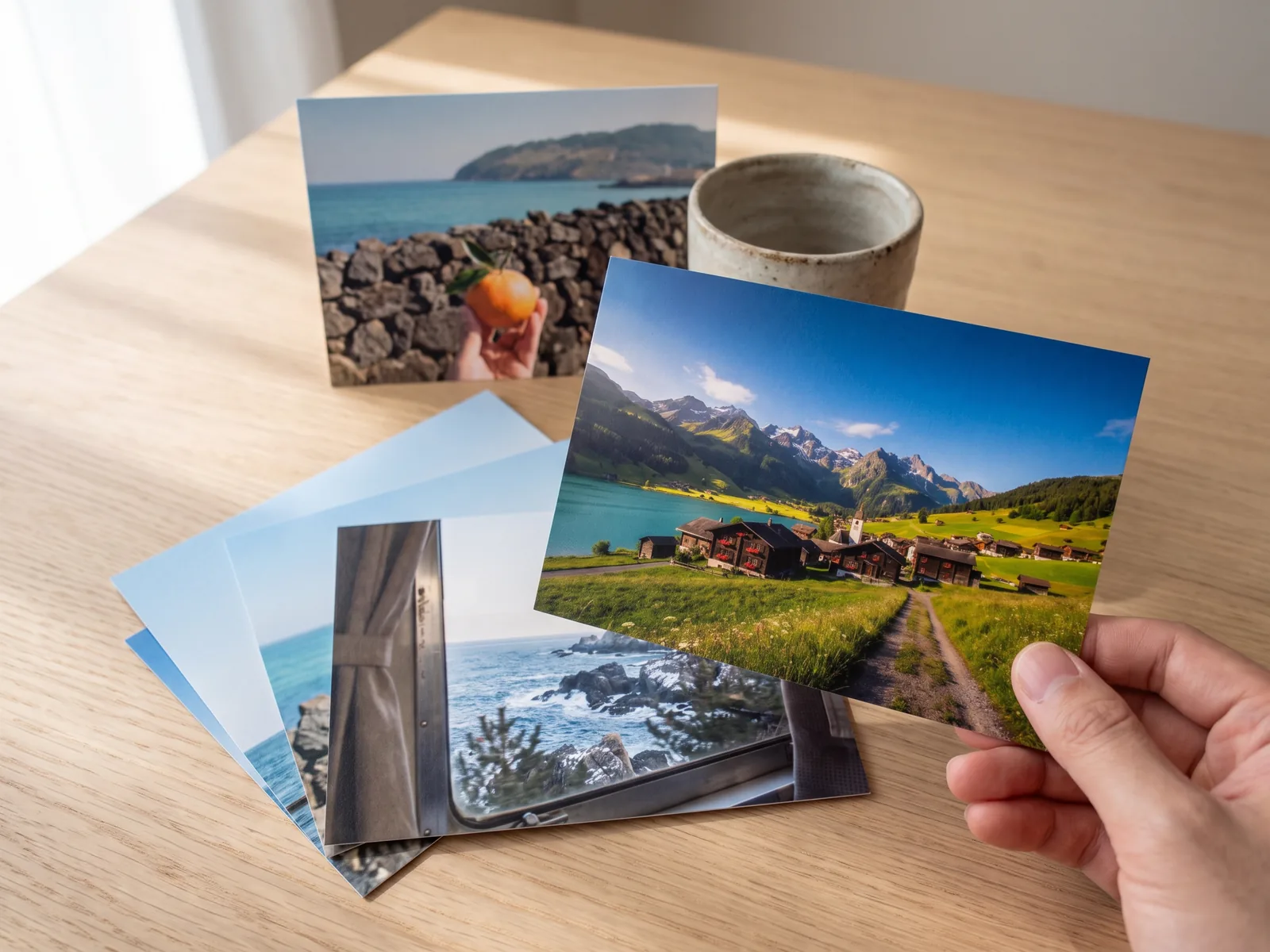
Travel photobook
Retrace a trip day by day and place by place. Pick the photos you took, and AI drafts the book.

Growing-up album
Turn the photos of your child on your phone into an album that follows them as they grow.

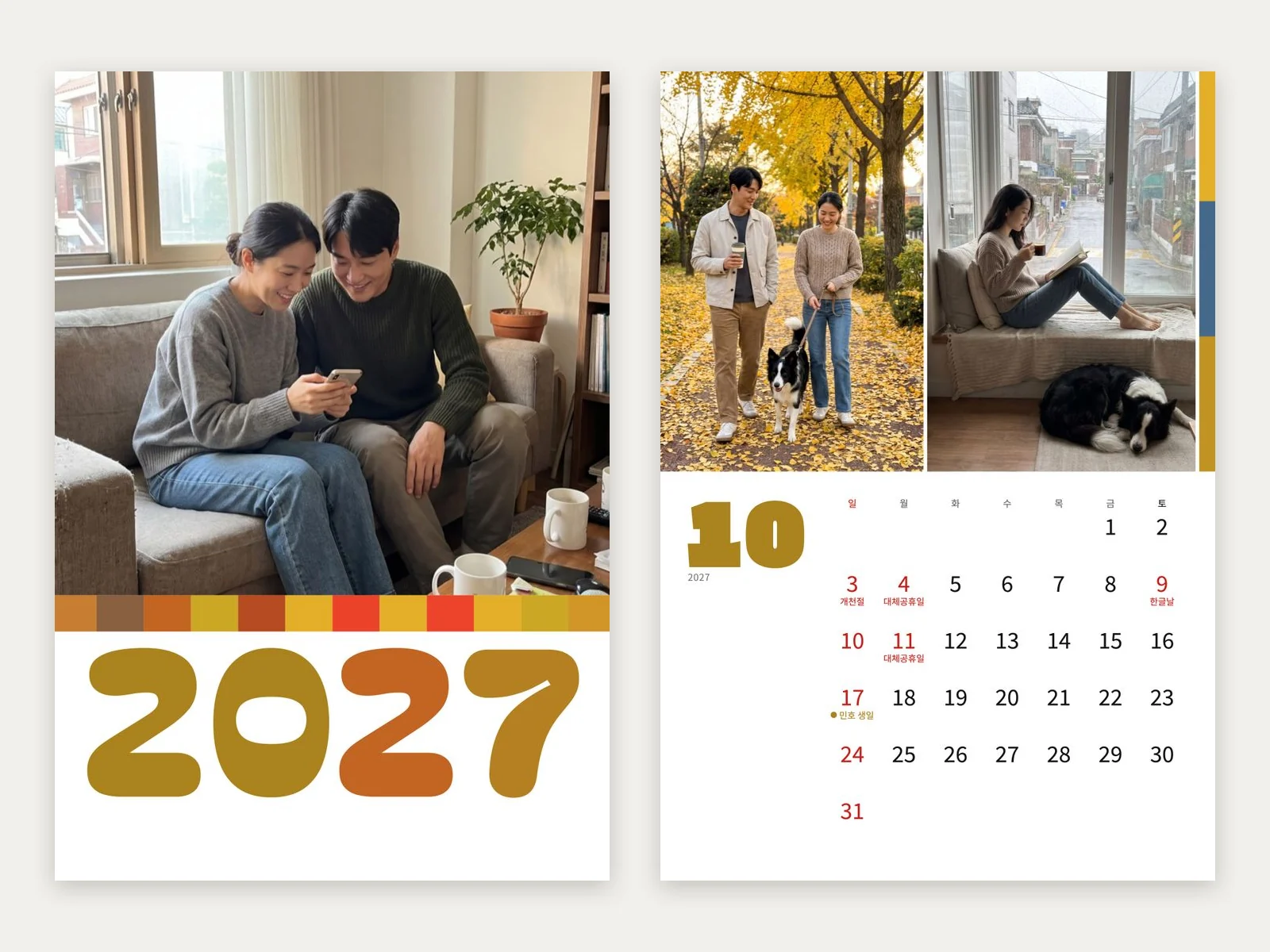
Year-in-review photobook
Ordinary days sit beside the special ones in a book that follows your year in order.

Anniversary photobook
Put your time together in one book, from big trips to ordinary Tuesday nights.

Birthday photobook
Give someone a book of the year you've shared, or of good times with friends, for their birthday.

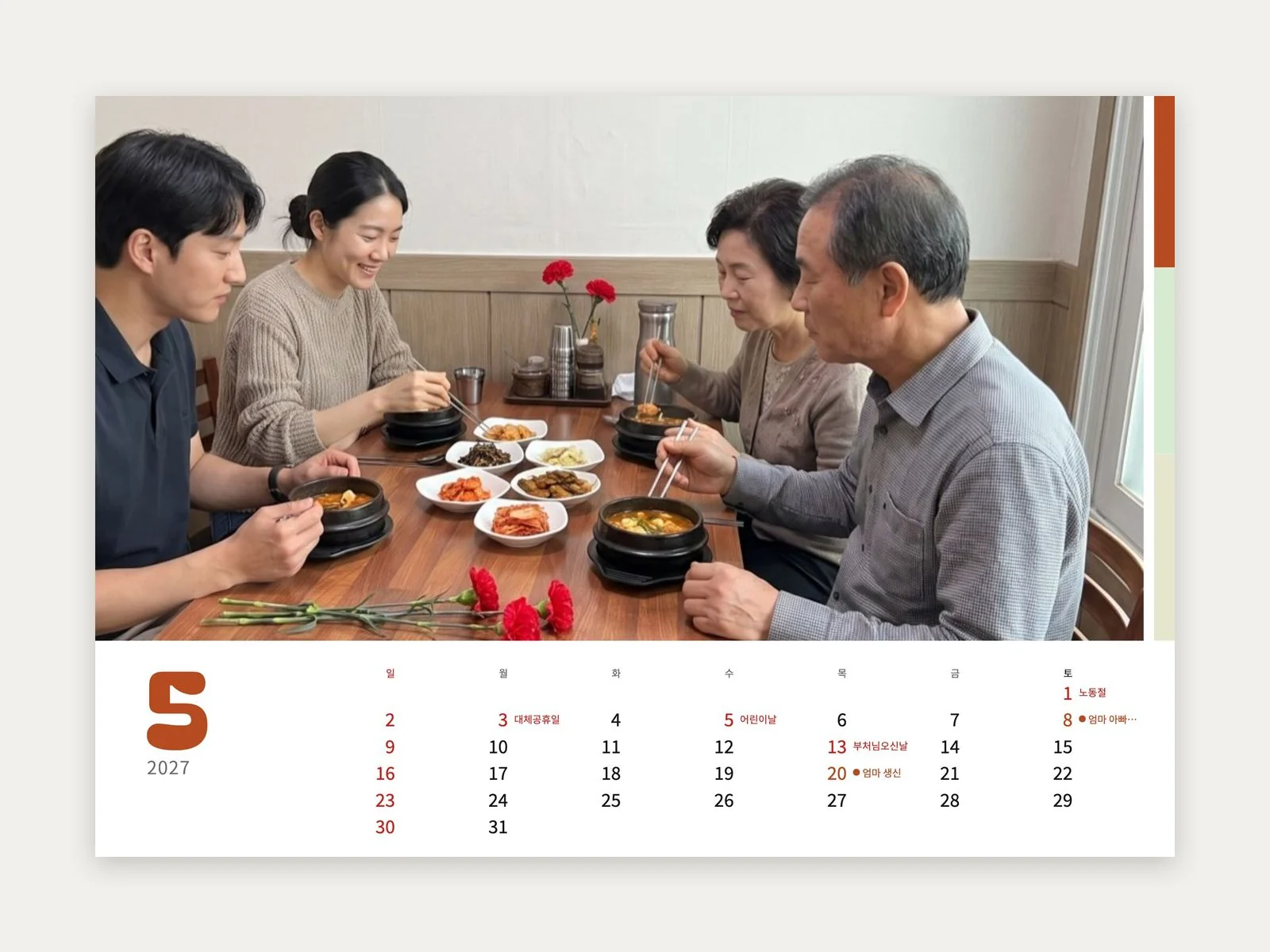
Mother's & Father's Day photobook
Turn the years with your parents into a book they can hold, for Mother's Day or Father's Day.

Christmas photobook
This Christmas, give family and friends a book of your year together.
Start with the photos you love
AI drafts the book, you make it yours in the editor, and you'll see the total before you order.
Make a photobook
Available on the Korean App Store only. The Android app is on its way, and you can start on the web right now.